

The desktop app
The desktop app is Tessera in a native window for macOS, Windows and Linux. It works fully offline and keeps each workspace in a folder you choose. Install it.
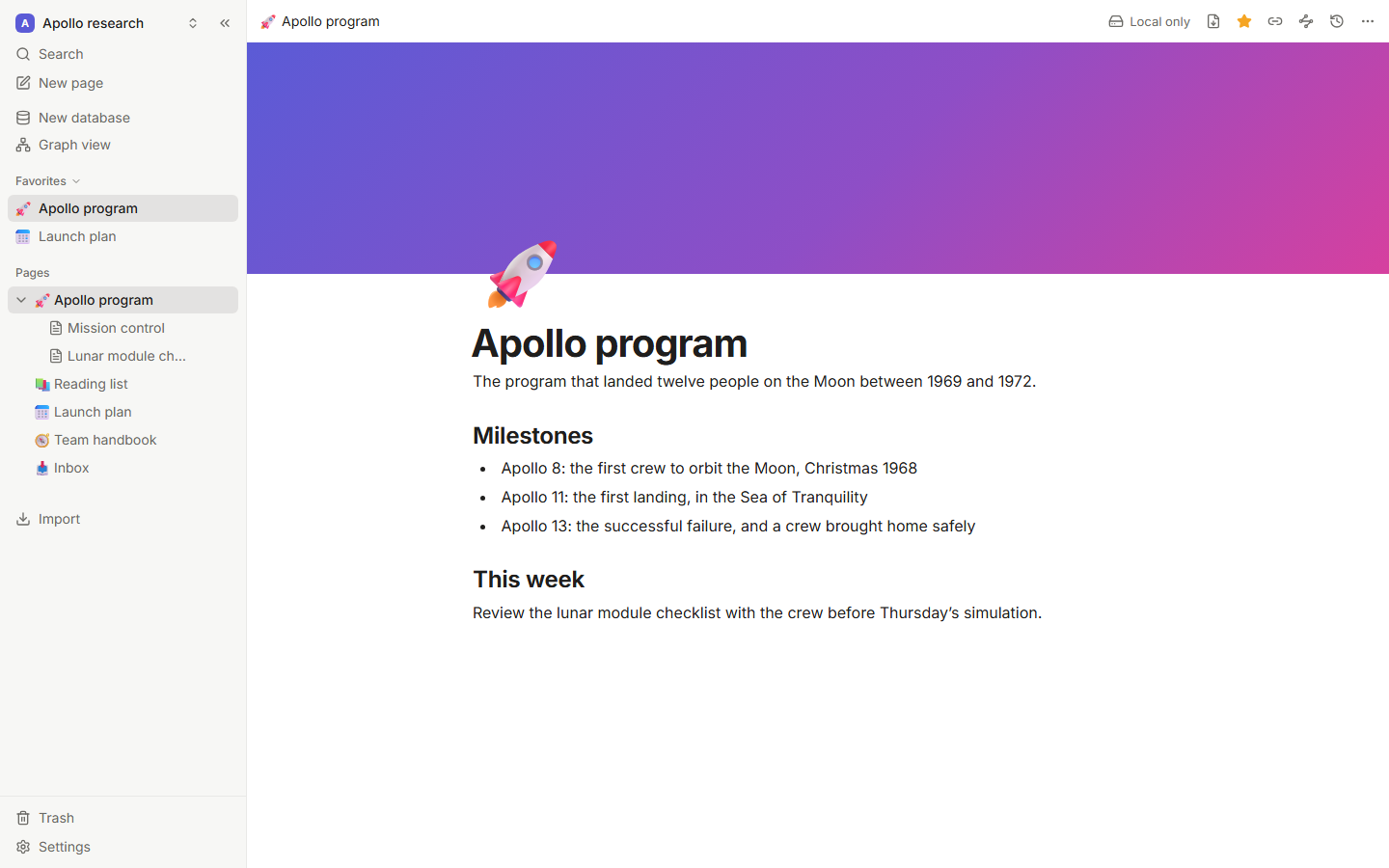
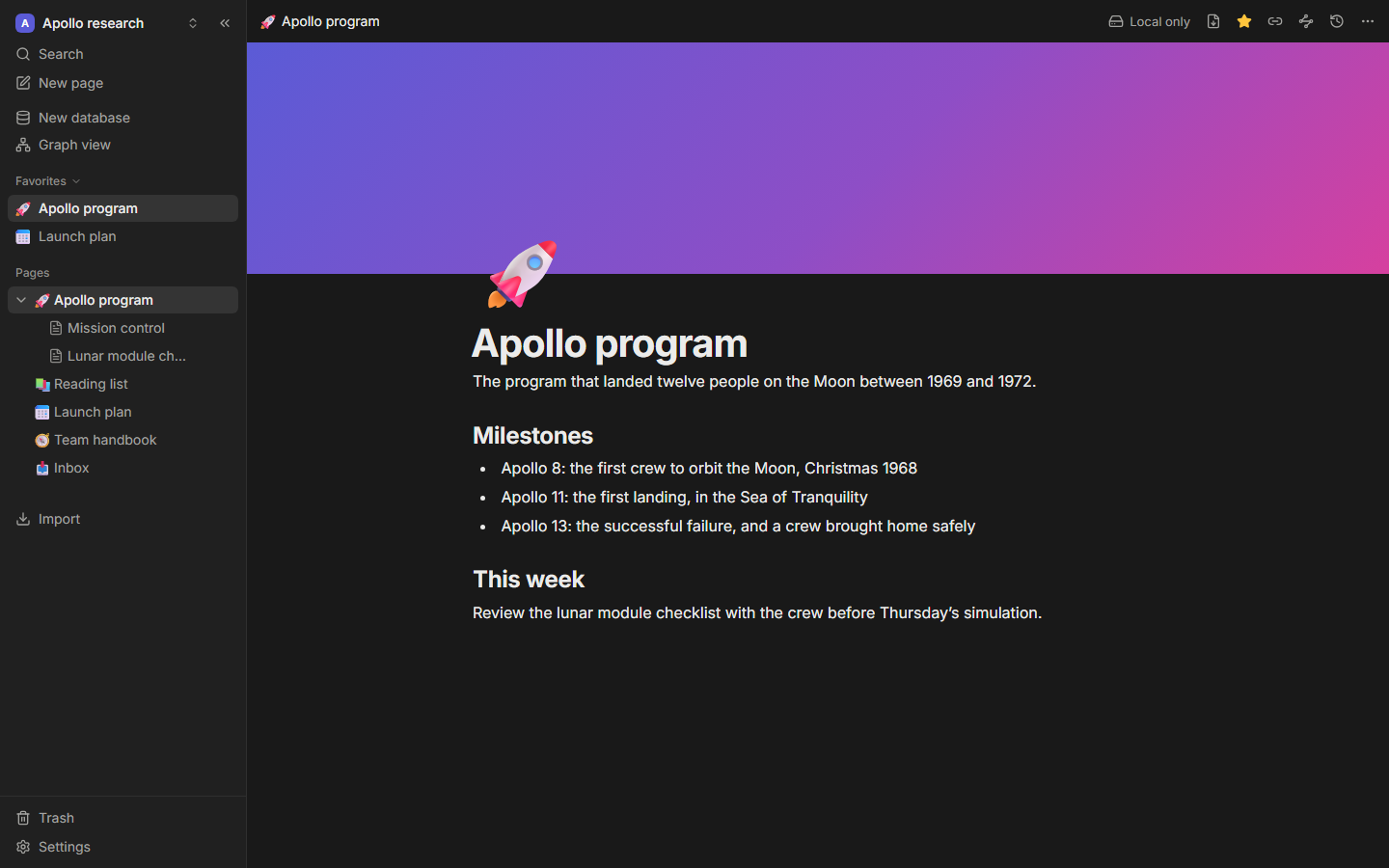
Workspaces are folders
A workspace folder holds:
| Item | What it is |
|---|---|
tessera.db | Your pages, databases and history (SQLite). |
assets/ | Images and attached files. |
markdown/ | An optional, always-current markdown copy (see below). |
Create, open and switch workspaces from the workspace menu. Recent workspaces are one click away, and Reveal in Finder/Explorer opens the folder.
Cloud-synced folders
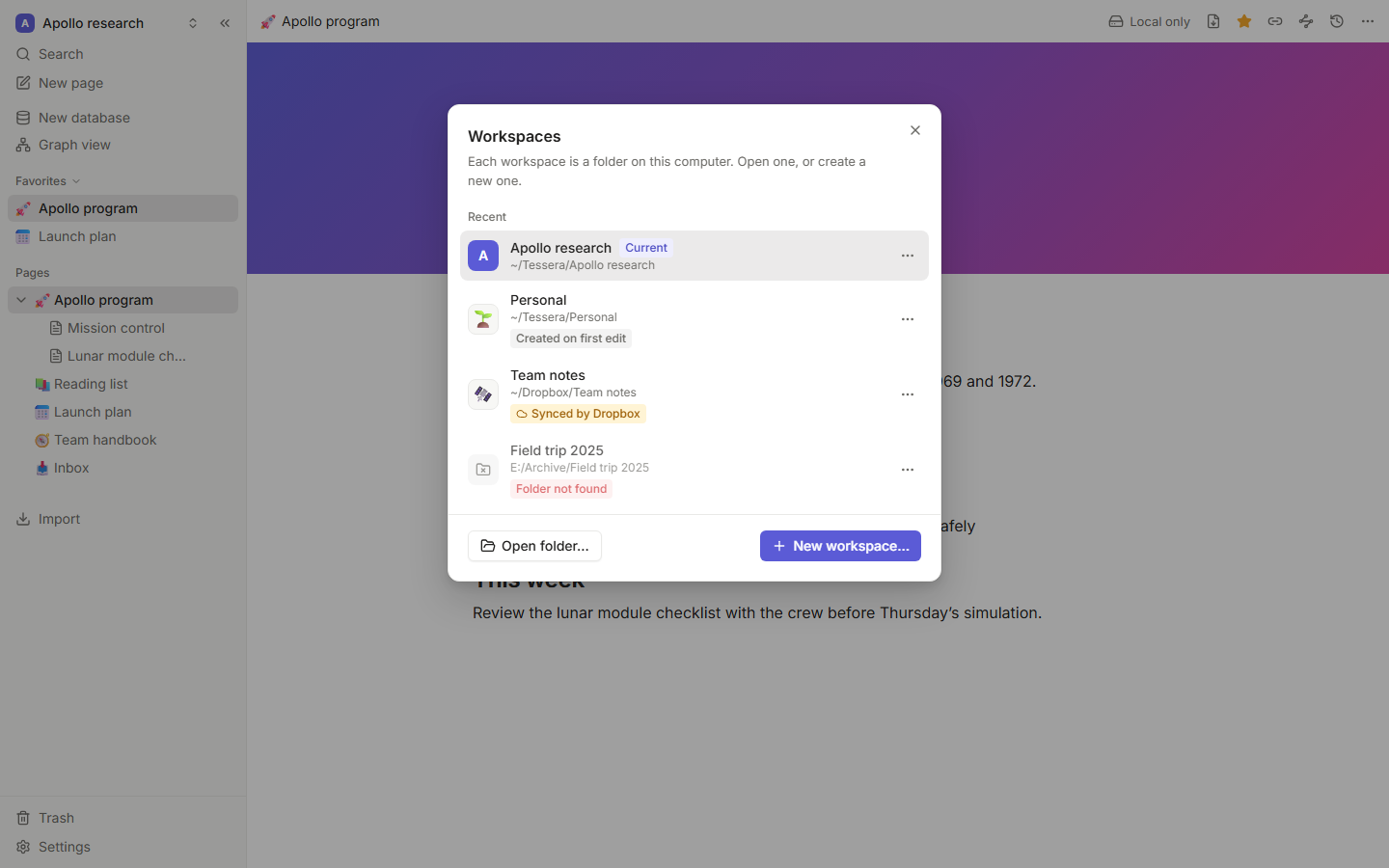
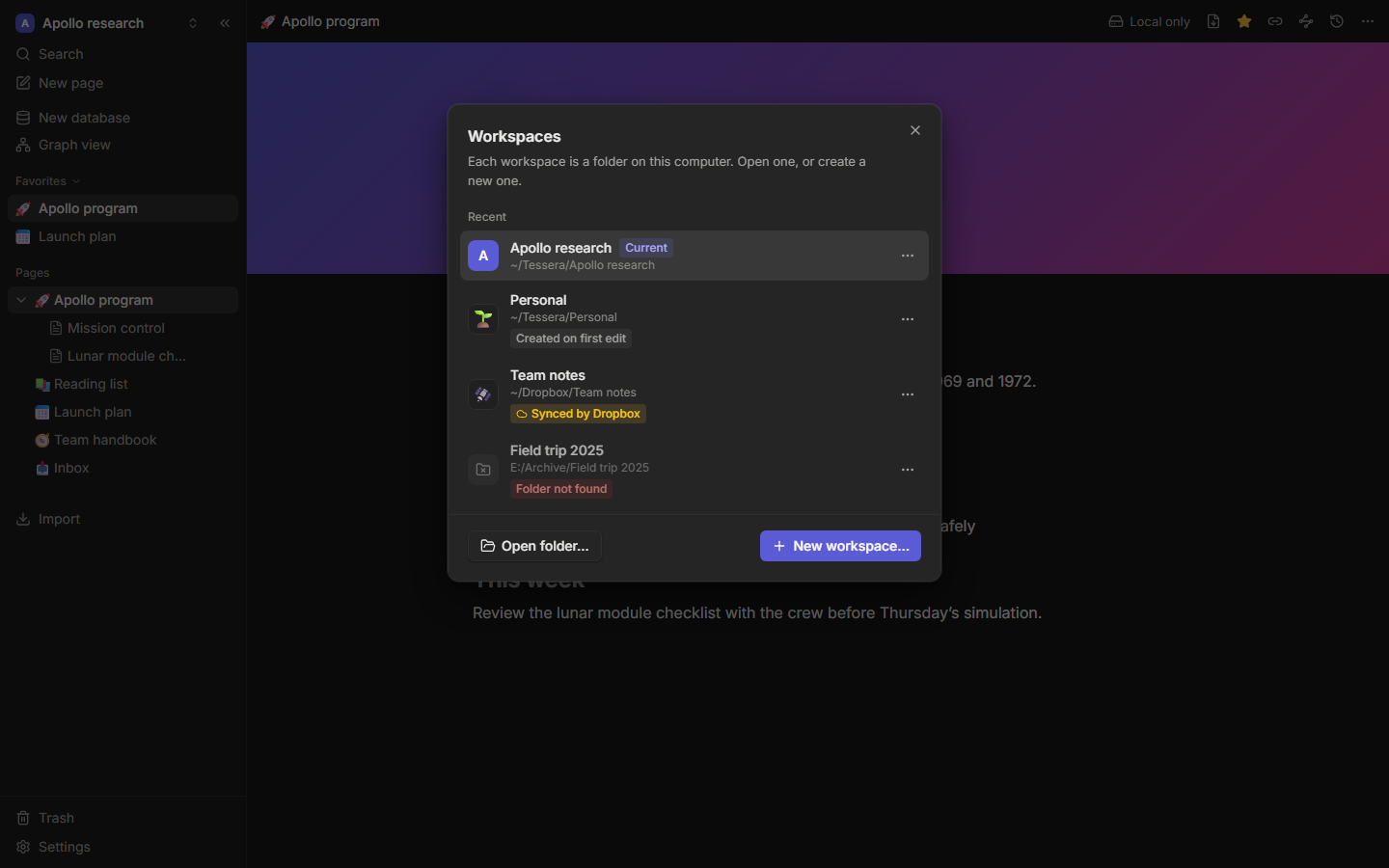
Don't put a workspace in a Dropbox, iCloud Drive, OneDrive or Google Drive folder. If two devices write to the same SQLite database through a file-sync service, it can be corrupted. Tessera warns you when it detects such a folder and when it finds "conflicted copy" files.
To use a workspace on several devices, connect it to a Tessera server instead. That's what the server is for.
Markdown copy
Turn on Keep a markdown copy of every page in Settings → Desktop, and Tessera keeps a markdown/ folder next to your data, updated as you write. It's the same format as a markdown export: plain, Obsidian-compatible files. Use it for grep, for backups, or for peace of mind. Only the files of pages that changed are written again, so even a large workspace stays cheap to keep in step. Edits made directly to those files are not read back: a file is replaced when its page changes, and every file when the app starts.
Quick capture
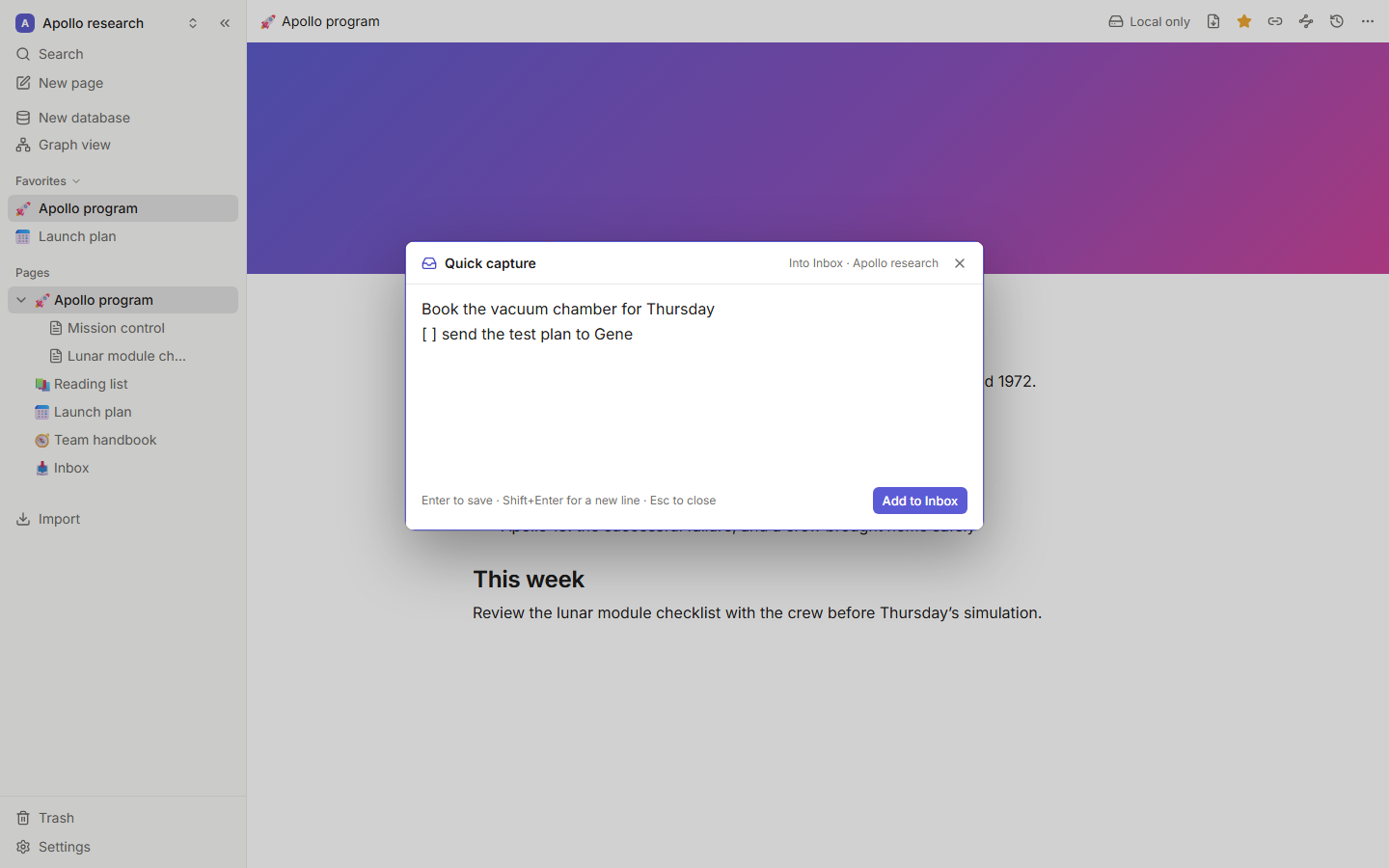
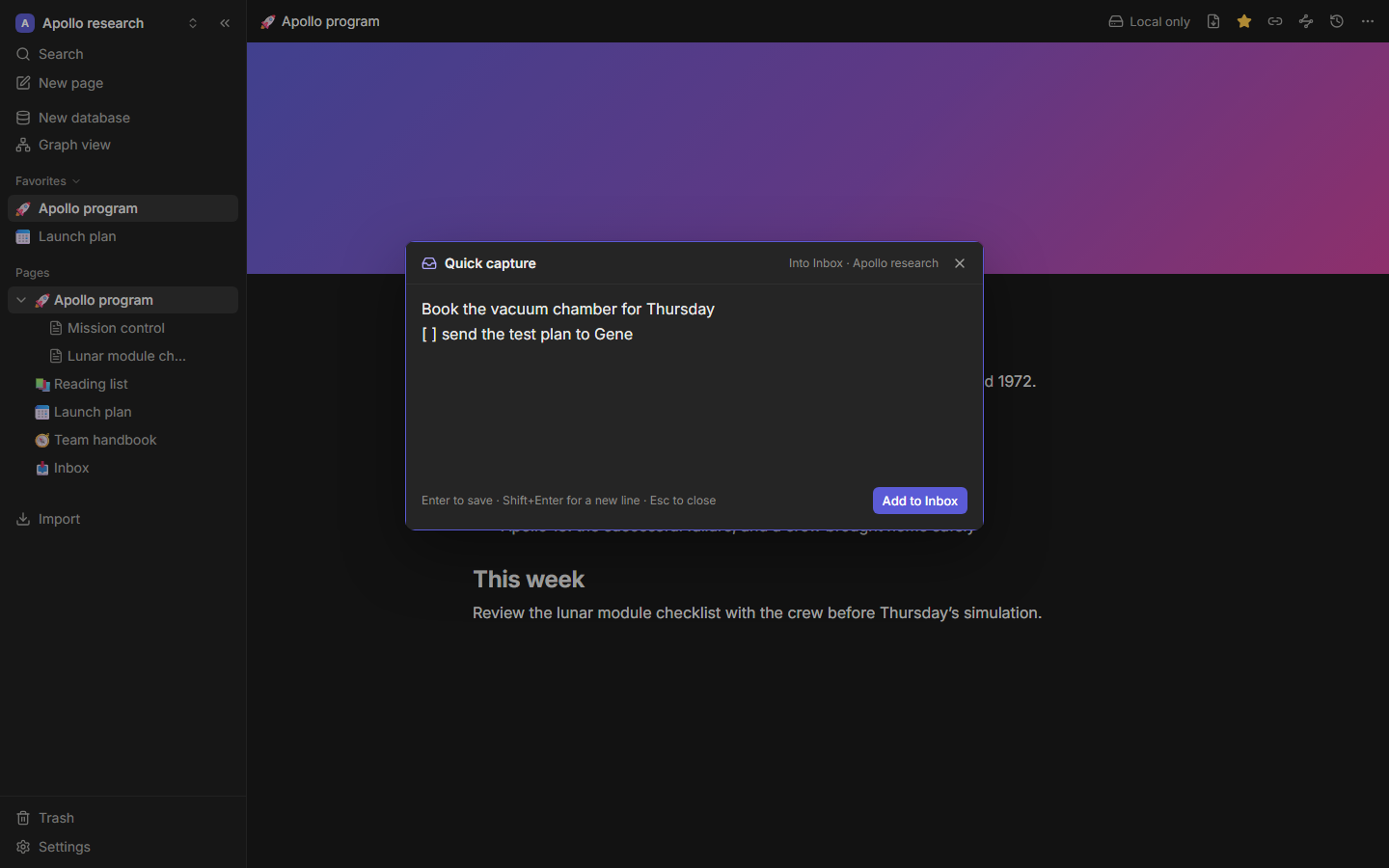
Press Mod+Shift+Space from any app. A small window appears on top; type a thought and press Enter. It's added to your Inbox page.
Links from other apps
tessera://open/<pageId> links open a page in the desktop app, so you can link to your notes from a calendar, a task manager or a script.
Updates
When a release includes signed update files, the app checks GitHub Releases for updates and asks before installing one. Releases without them (0.1.0 and 0.1.1) don't update themselves: download the new version from the releases page and install it over the old one. Your workspaces stay where they are.