

Keyboard shortcuts
Everything in Tessera works from the keyboard. Mod means ⌘ on macOS and Ctrl on Windows and Linux.
The list in the app is always current
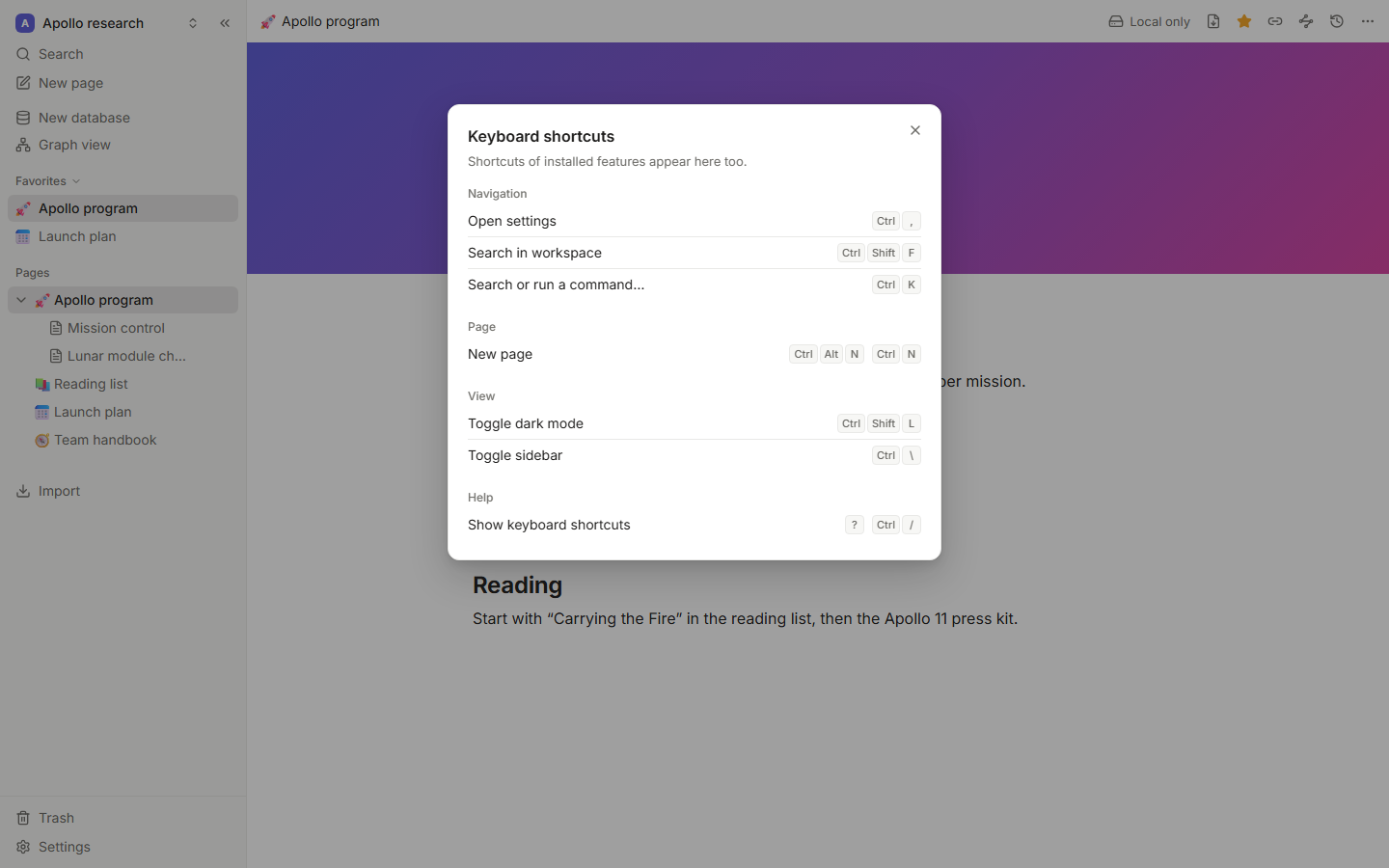
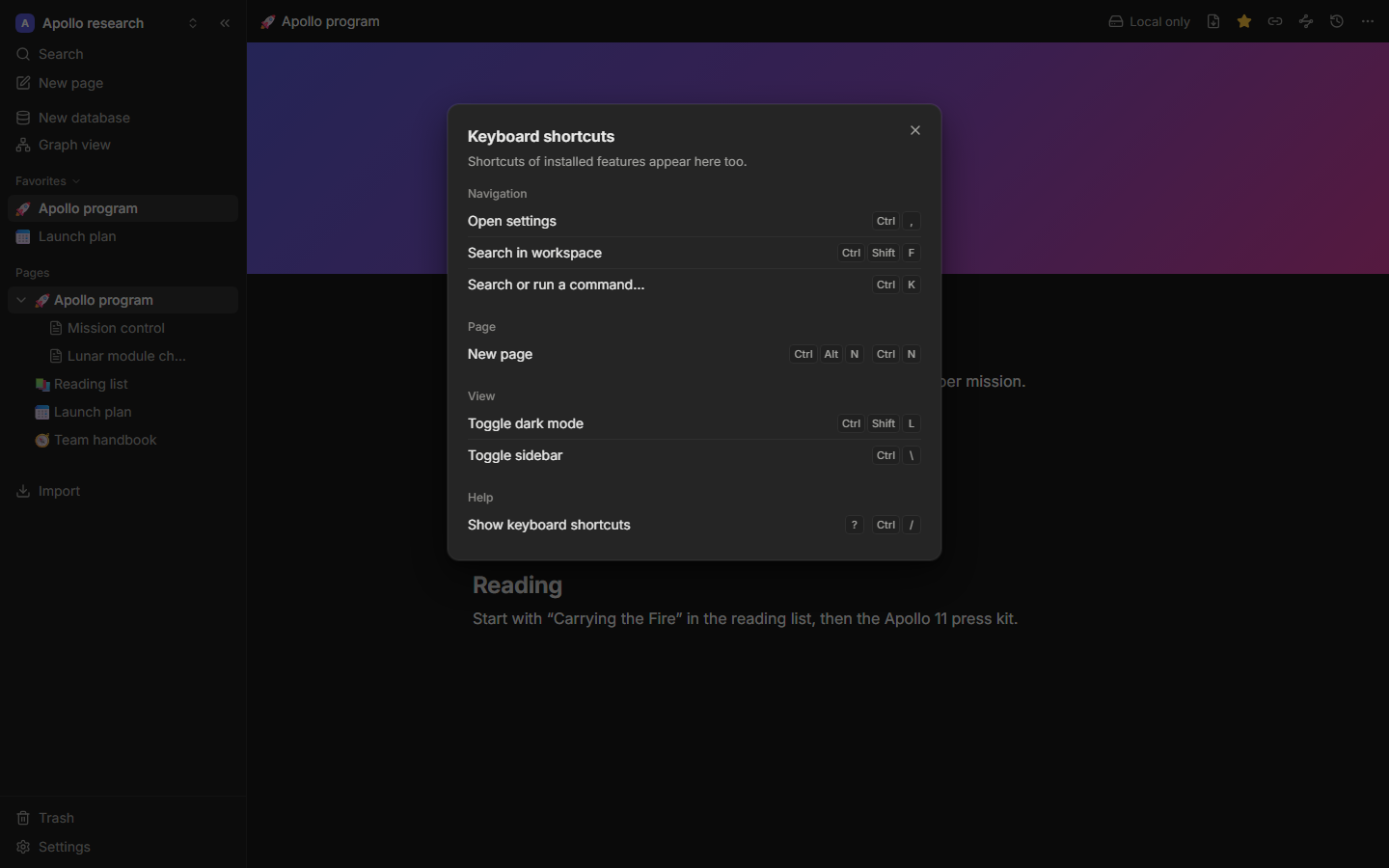
Press ? (or Mod+/) anywhere outside a text field to see every shortcut, including the ones plugins add. Settings → Keyboard shortcuts shows the same list.
Everywhere
| Action | Shortcut |
|---|---|
| Command palette and search | Mod+K |
| New page | Mod+Alt+N (desktop app: also Mod+N) |
| Show or hide the sidebar | Mod+\ |
| Switch light and dark theme | Mod+Shift+L |
| Settings | Mod+, |
| Keyboard shortcuts | ? or Mod+/ |
| Close a menu, dialog or panel | Esc |
Page tree (sidebar)
Click a page in the sidebar, or tab into the tree, then:
| Action | Shortcut |
|---|---|
| Move between pages | ↑ ↓ |
| Expand or collapse | → ← |
| Open the page | Enter |
| Move the page up or down | Alt+Shift+↑ / ↓ |
| Nest it under the page above | Alt+Shift+→ |
| Move it out one level | Alt+Shift+← |
Page title
| Action | Shortcut |
|---|---|
| Go to the first block | Enter or ↓ at the end of the title |
| Back to the title | ↑ at the start of the first block |
Editor
| Action | Shortcut |
|---|---|
| Slash menu | / |
| Link a page | [[ or @ |
| Tag | # followed by a name |
| Bold | Mod+B |
| Italic | Mod+I |
| Underline | Mod+U |
| Undo | Mod+Z |
| Redo | Mod+Shift+Z |
| Indent or outdent a list item | Tab / Shift+Tab |
| Select the current block | Esc |
| Move the block selection | ↑ ↓ while blocks are selected |
| Extend the block selection | Shift+↑ / ↓ while blocks are selected |
| Move blocks | Mod+Shift+↑ / ↓ |
| Duplicate blocks | Mod+D |
| Delete selected blocks | Delete or Backspace |
Markdown shortcuts (# , - , 1. , [] , > , ```, ---, **bold**, *italic*, `code`, ~~strike~~, ==highlight==) are listed in The editor.
Databases (table view)
| Action | Shortcut |
|---|---|
| Move between cells | ↑ ↓ ← →, Tab, Shift+Tab |
| Edit the cell | Enter |
| Stop editing | Esc |
| Add a row | Mod+Enter |
| Copy and paste cells | Mod+C, Mod+V |
Command palette
| Action | Shortcut |
|---|---|
| Move through results | ↑ ↓ |
| Open or run | Enter |
| Close | Esc |
Desktop app
| Action | Shortcut |
|---|---|
| Quick capture, from any app | Mod+Shift+Space |
| New page | Mod+N |
The desktop menus (File, Edit, View, Window, Help) use your platform's standard shortcuts.