

Sync and collaboration
Tessera is local-first. Your workspace lives on your device and works with no network at all. A server adds two things: sync between your devices, and real-time collaboration with other people.
How your data is stored
| Where you use Tessera | Where the workspace lives |
|---|---|
| Desktop app | A folder you choose: a SQLite database plus your attachments. |
| Browser | The browser's storage for this site (IndexedDB). |
| Server | A SQLite database in the server's data directory. |
Every edit is written to local storage immediately, before it's sent anywhere. If the app, the browser or the computer crashes, your last keystrokes are still there.
Several tabs of the same workspace stay in sync with each other, even without a server.
How sync works
Documents are Yjs CRDTs. Every device keeps the full history of changes and exchanges only what the others are missing. Changes from different people merge automatically and every device ends up with the same content, no matter the order the changes arrive in. There are no conflict dialogs.
Offline edits are kept and sent when you reconnect. Nothing is lost and nothing is duplicated.
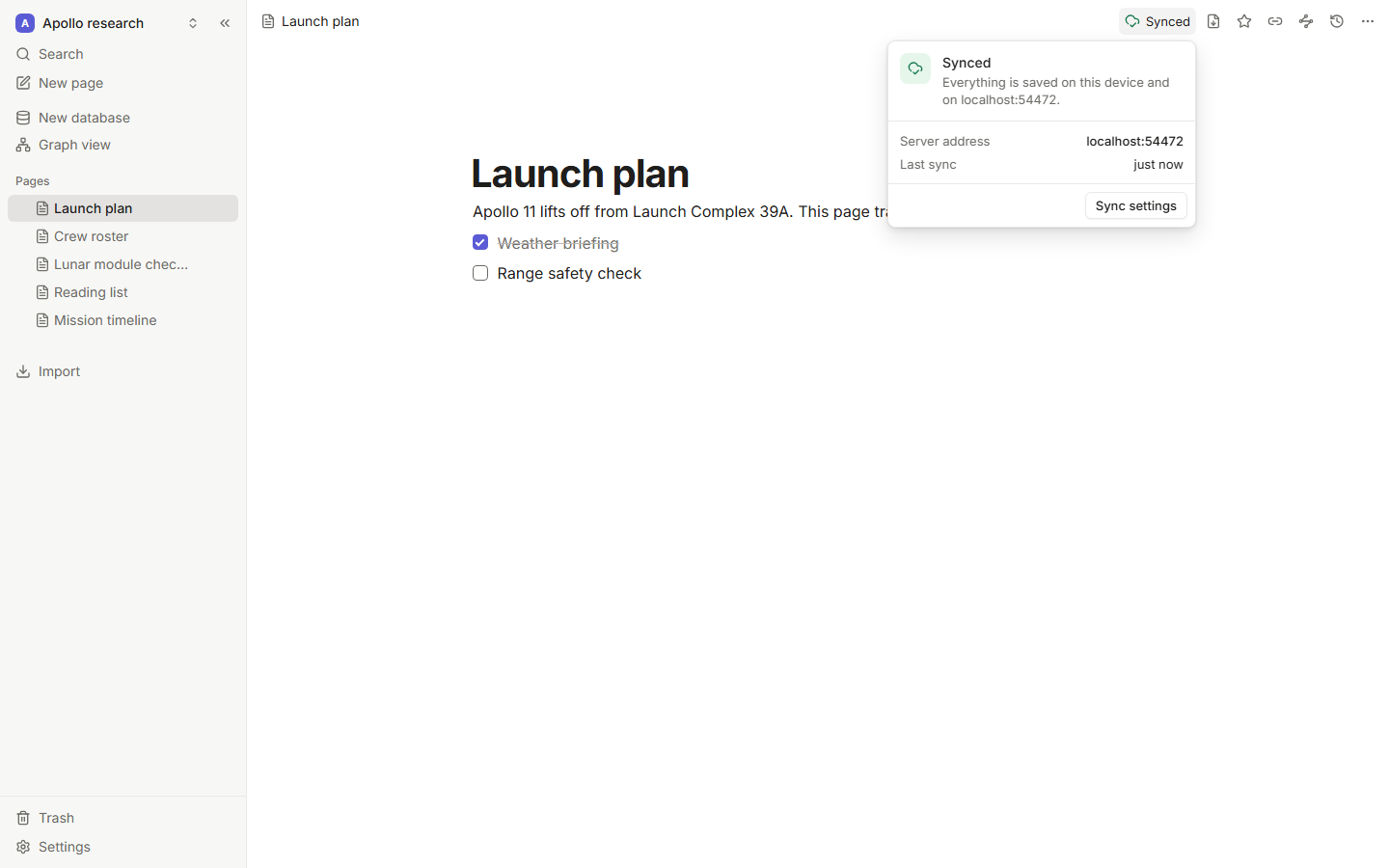
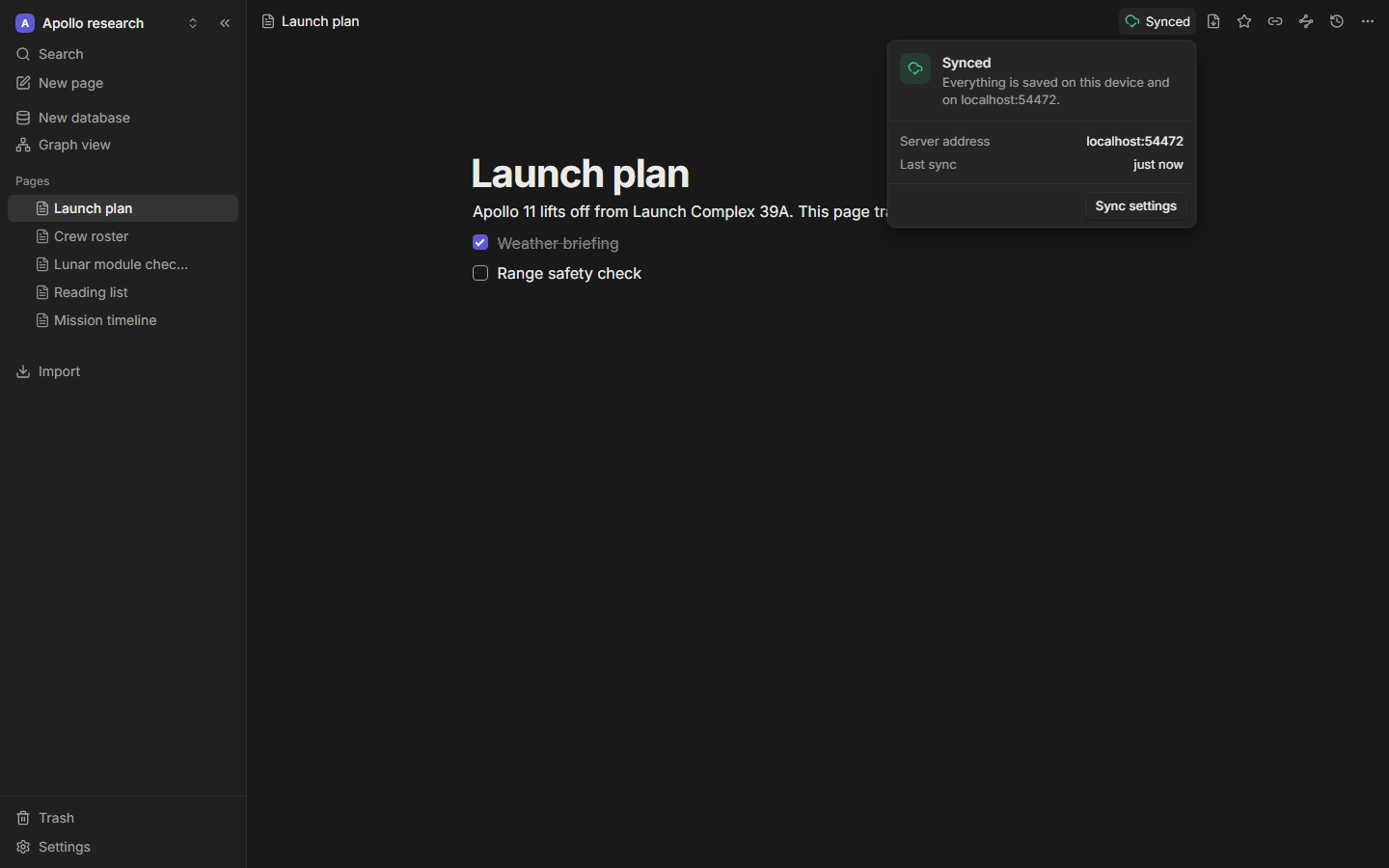
The sync indicator in the top bar shows where you stand:
| Status | Meaning |
|---|---|
| Local only | This workspace isn't connected to a server. |
| Offline | Connected before, no network now. Edits are kept locally. |
| Connecting | Reaching the server. |
| Syncing | Sending or receiving changes. |
| Synced | Everything is on the server. |
| View only | You're a viewer: changes you make here stay on this device. |
| Sync paused | Something went wrong. Click it for details. |
Connect to a server
You need a Tessera server: run your own or use one someone invited you to.
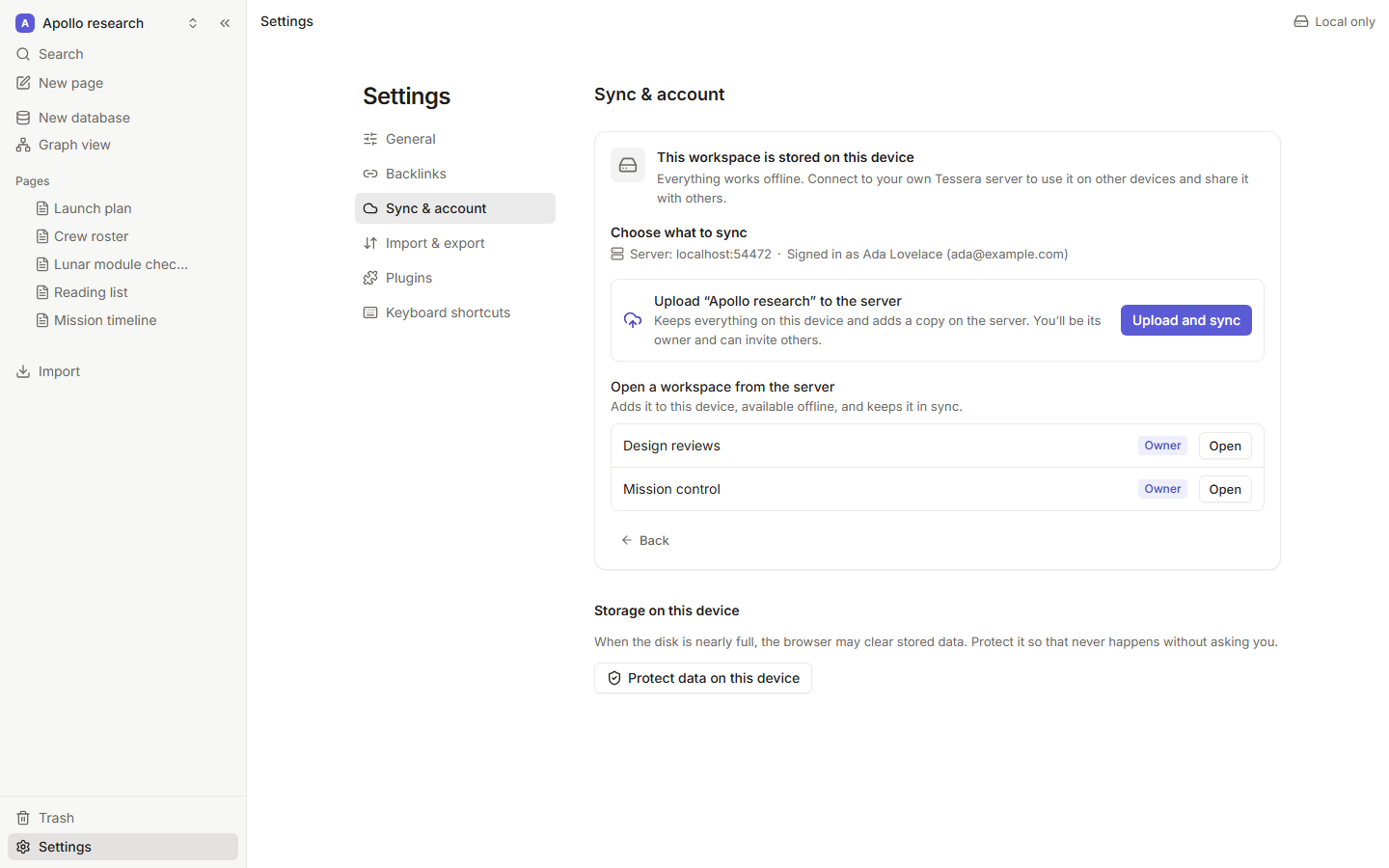
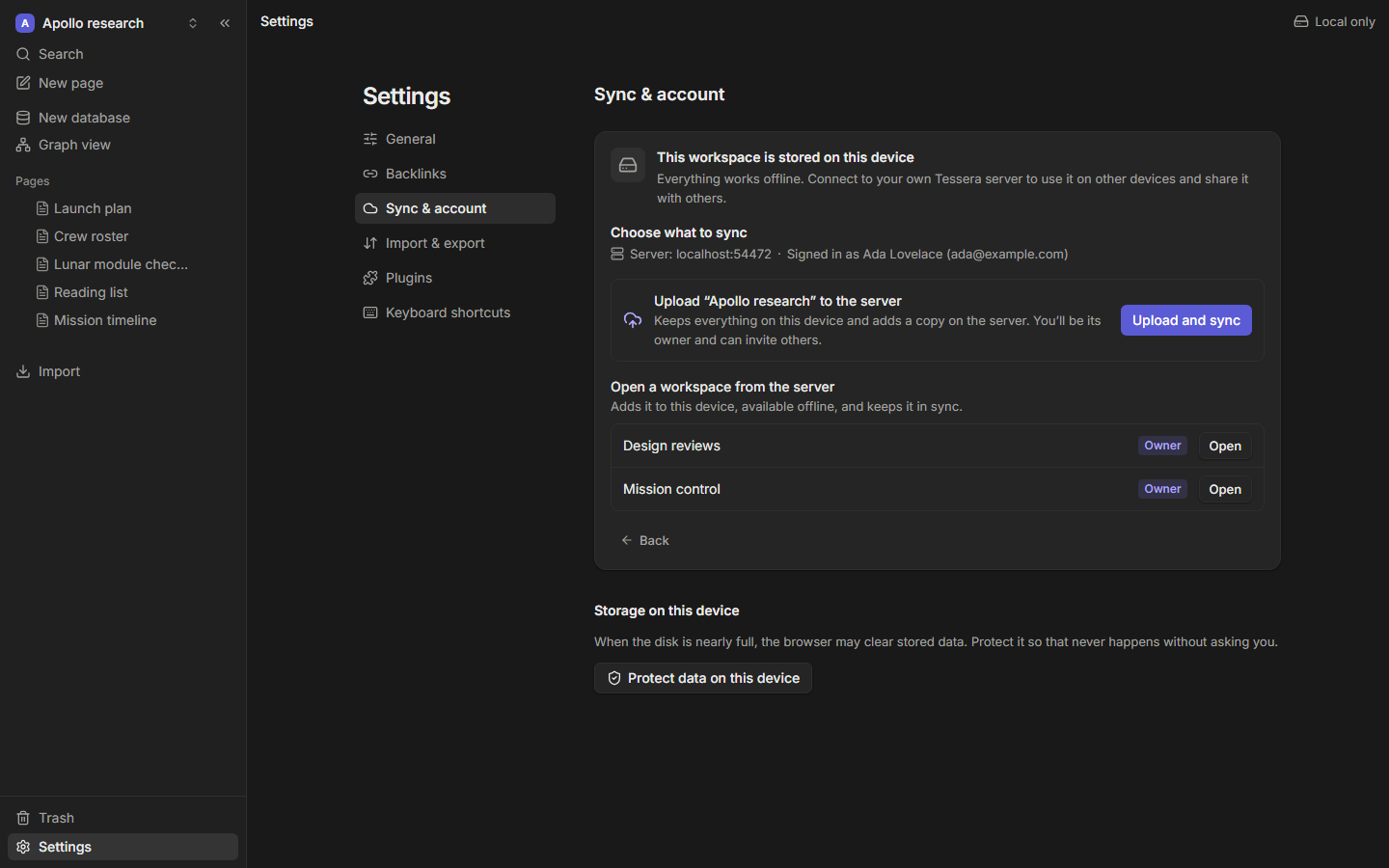
- Open Settings → Sync & account.
- Enter the server's address and sign in, or open the invite link you were given.
- Choose what to do:
- Upload this workspace to the server, to sync a workspace you already have, or
- Open a server workspace on this device.
The desktop app stores its sign-in token in your operating system's keychain.
Invite people
The workspace owner creates invite links in Settings → Sync & account. Each person gets a role for the whole workspace:
| Role | Can |
|---|---|
| Owner | Everything, including managing members and the server |
| Editor | Read and write every page |
| Viewer | Read every page |
Roles are enforced by the server, not just hidden in the interface: a viewer's changes are never accepted.
Working together
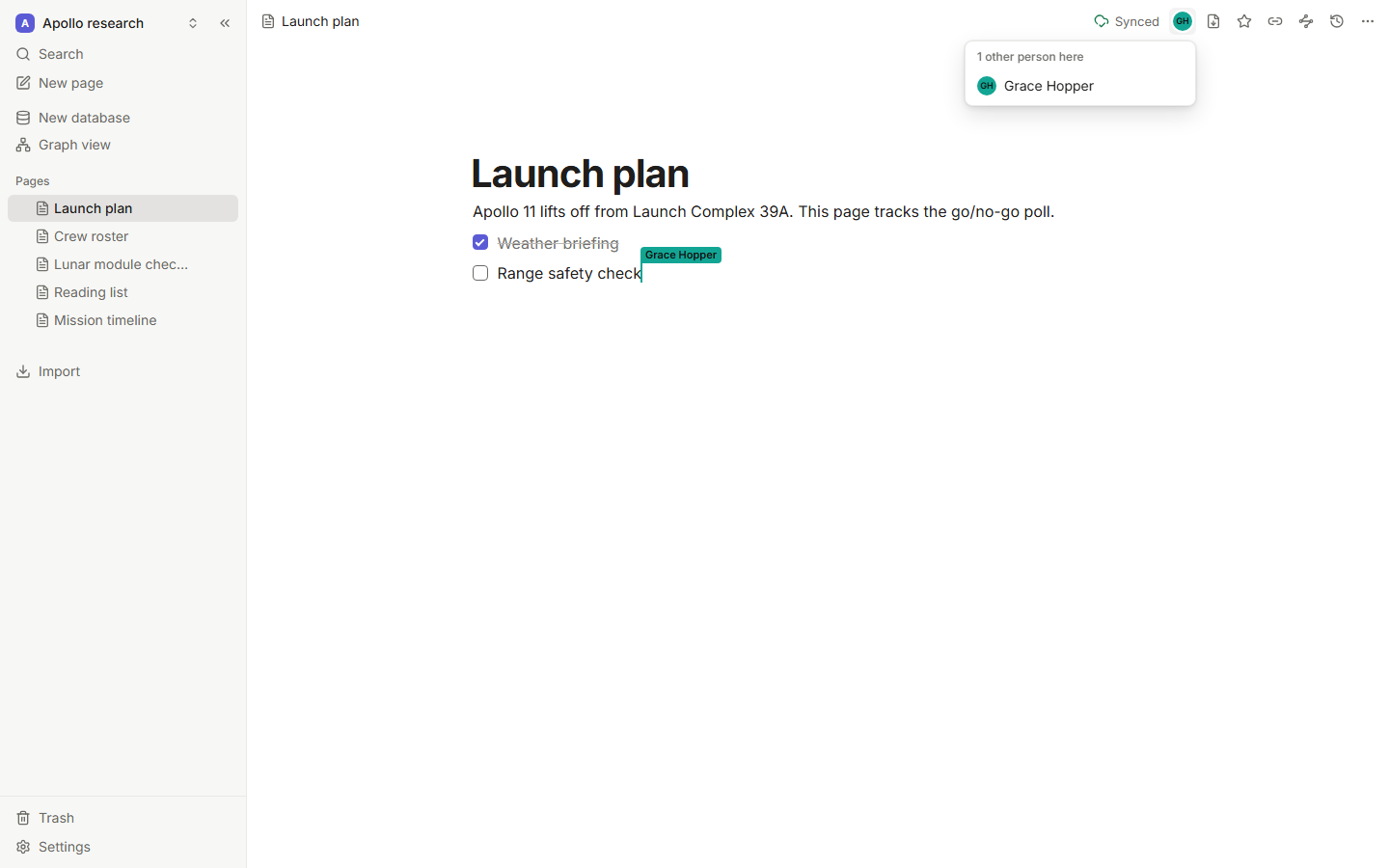
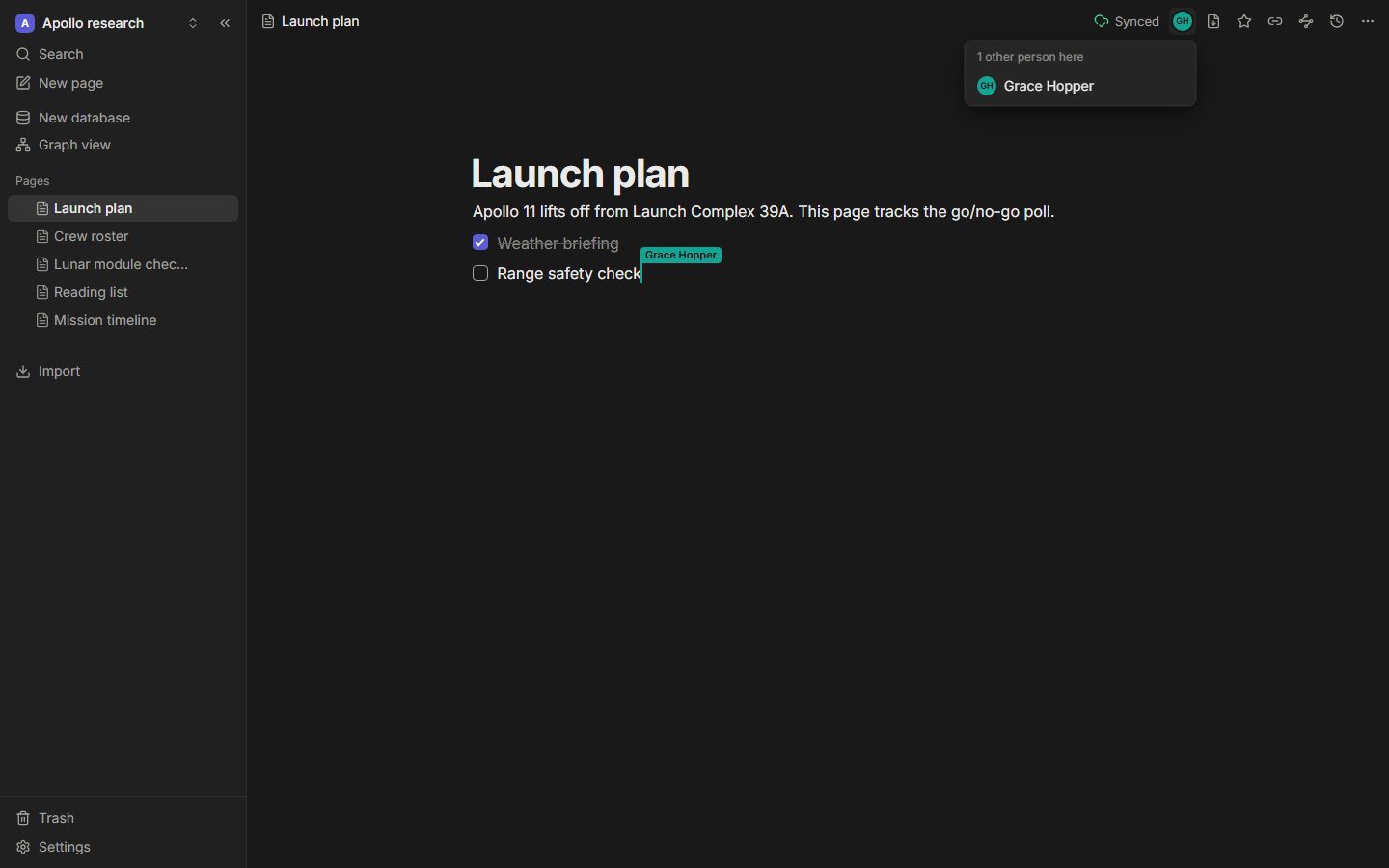
When several people have the same page open, you see their avatars in the top bar and their cursors and selections in the text, each with a name and a color. Set your own name and cursor color in Settings → General.
Undo only undoes your own changes, never someone else's.
Version history
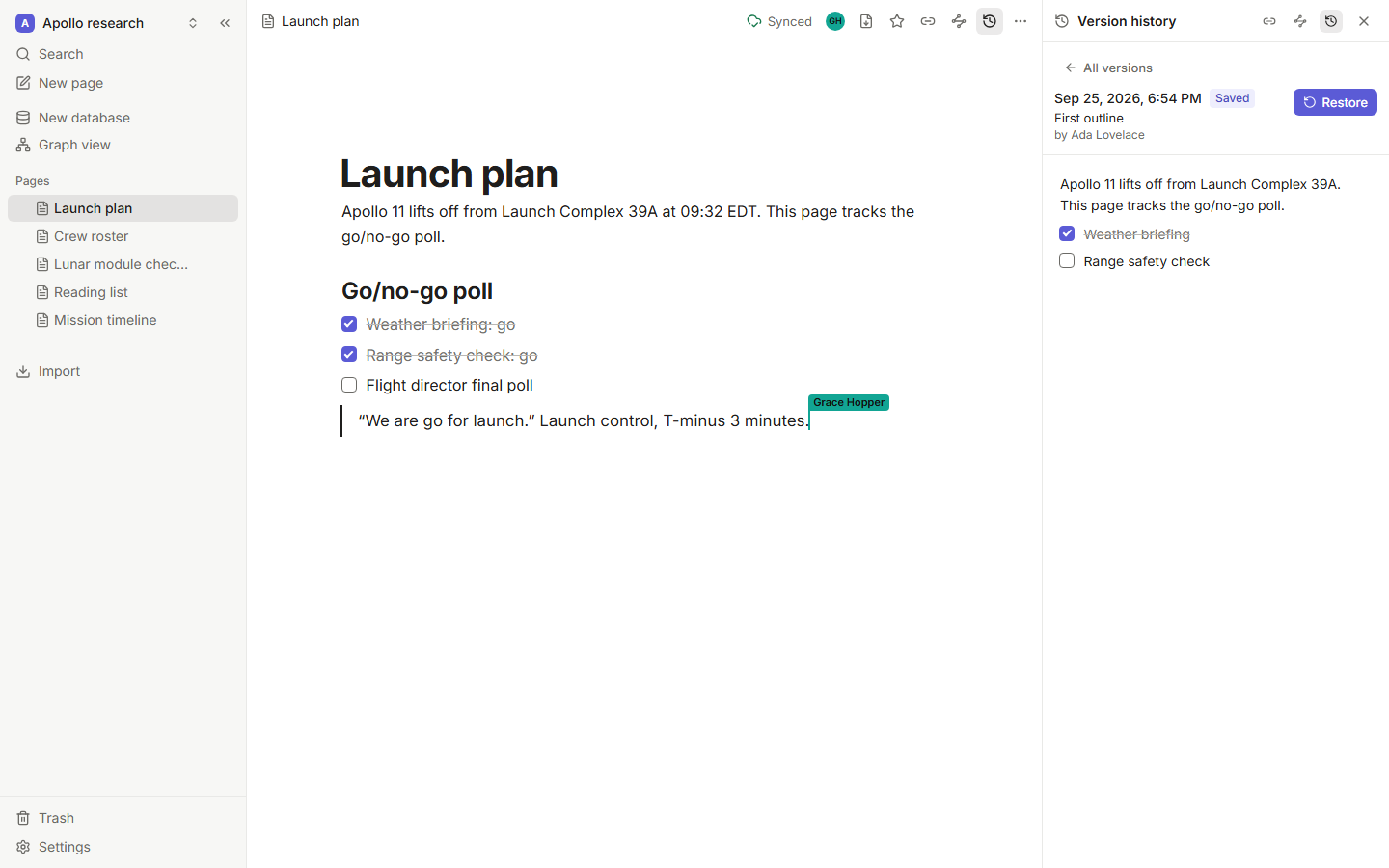
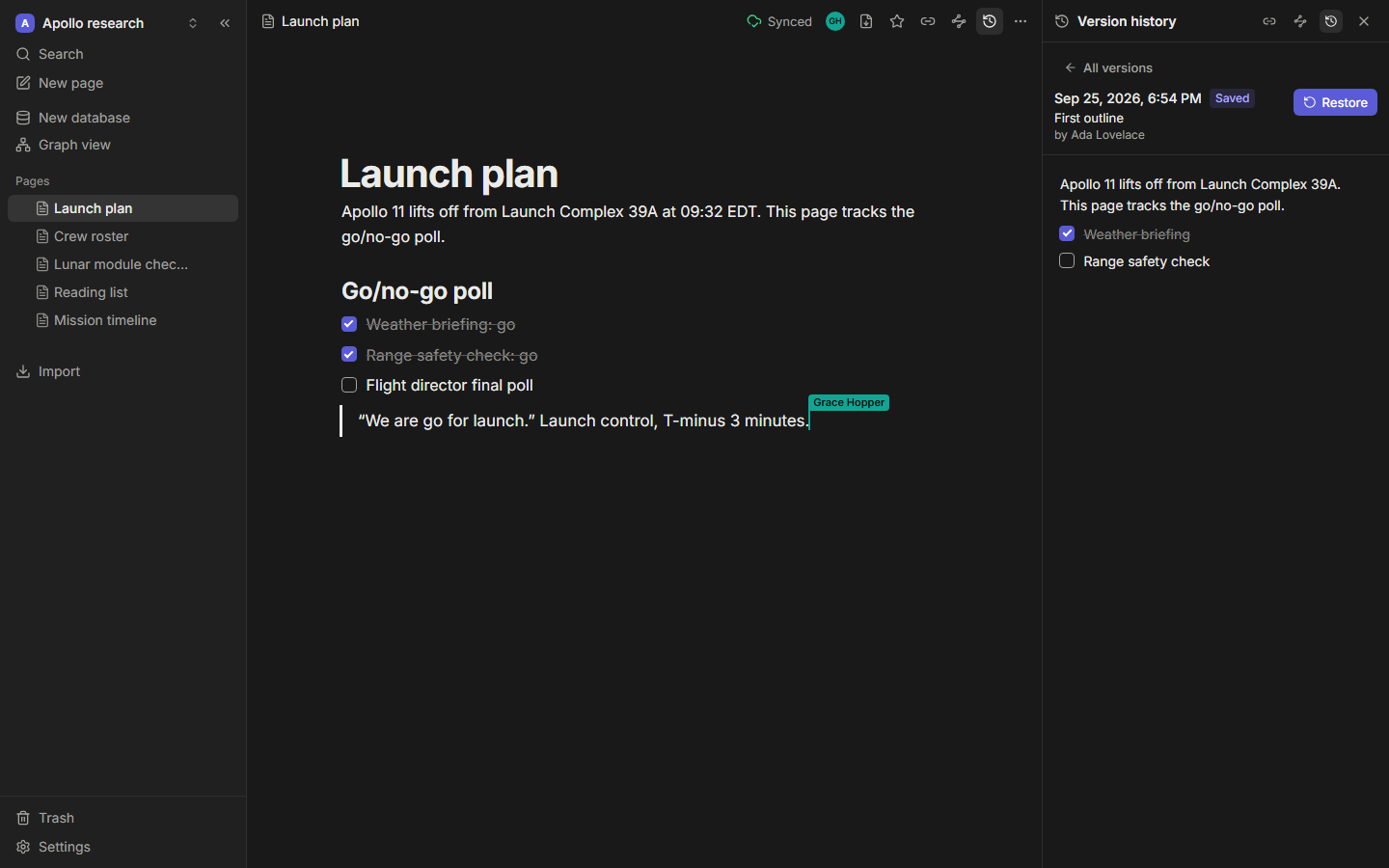
Tessera saves a version of each page automatically after a few minutes of editing, and whenever you choose Save version. Open the Version history panel from the top bar to browse versions with their time and author and preview any of them.
Restore puts that version's content back as a new edit. It syncs to everyone like any other change, and you can undo it.
Deleting
Pages you delete go to the trash first. Delete forever (from the trash, after a confirmation) removes the page and its history from your device and from the server.