Links, backlinks and the graph
Links turn a pile of notes into a web of ideas. In Tessera every link works in both directions, and the graph shows the whole web at once.
Link a page
Type [[ (or @) in the editor and start typing a title. Choose a page, or pick Create page to create it and link to it at once.
- Links store the page, not its title. Rename a page and every link shows the new name.
- A link can point at a heading or a block inside the page, and scrolls there when you click it.
- A link can show different text (an alias) from the page's title.
- Links to pages in the trash, or to pages that were deleted, look broken until you restore them.
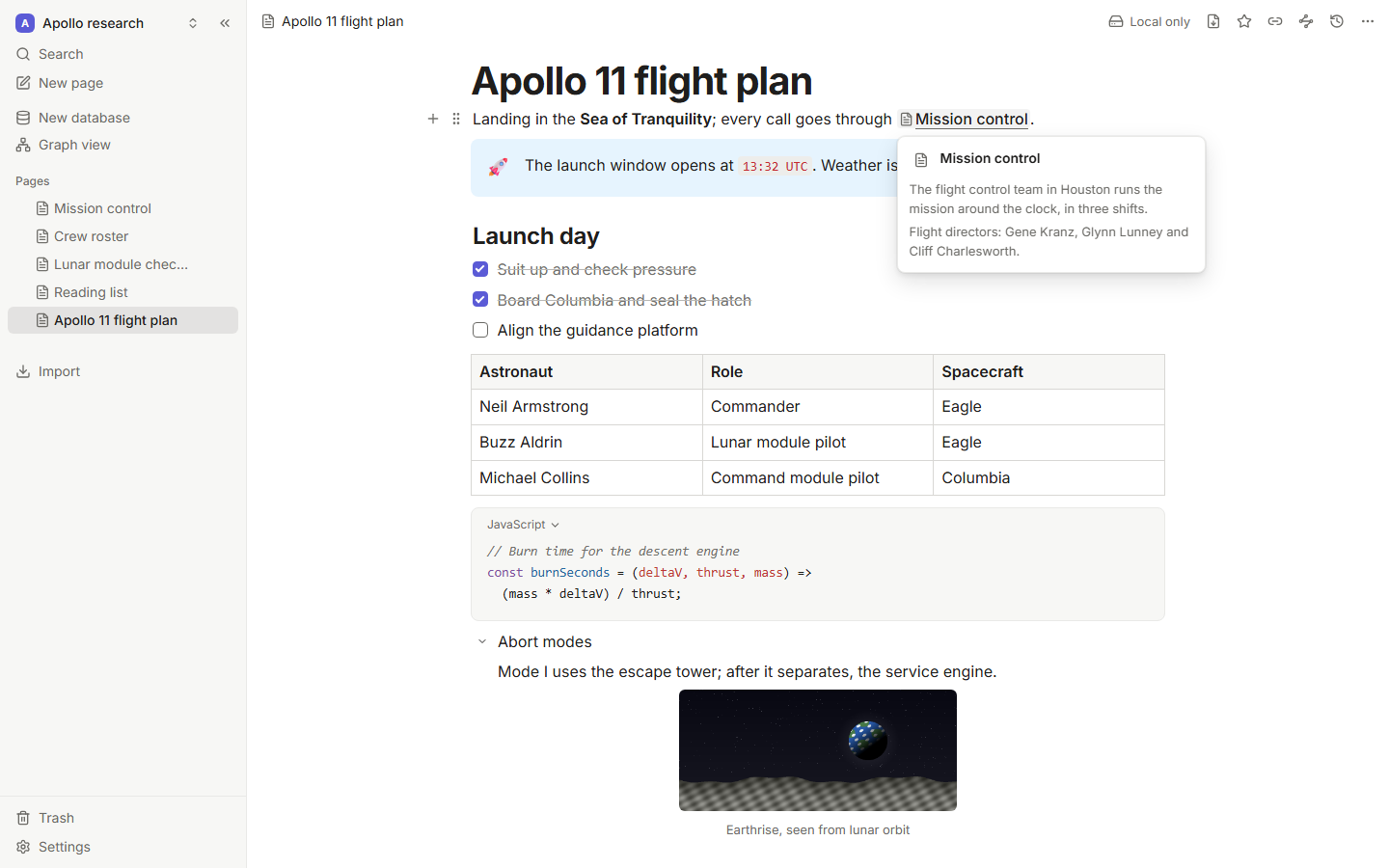
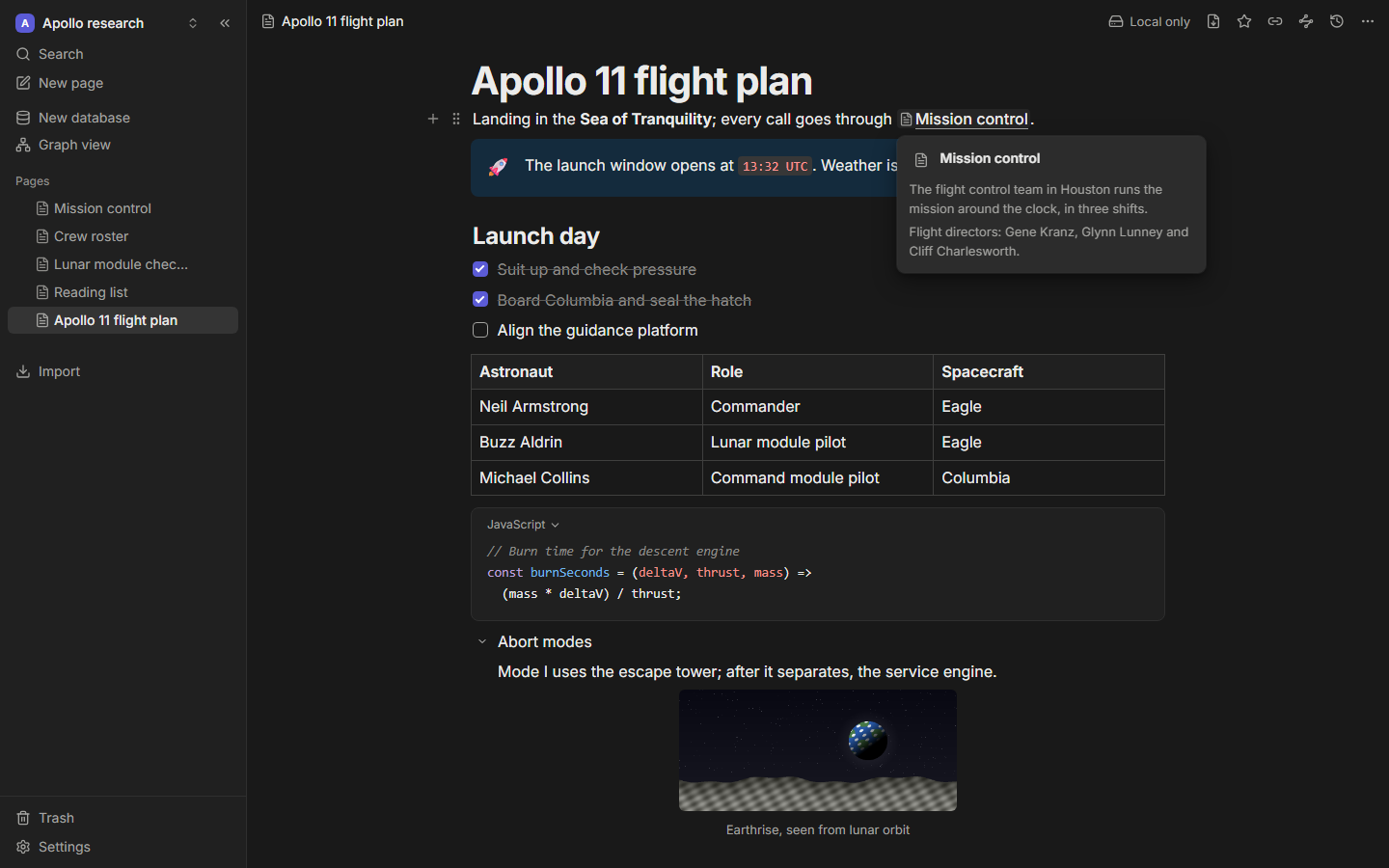
Hover over a link to preview the page without leaving where you are.
Backlinks
Open the Backlinks panel from the top bar to see every page that links to the one you're on, grouped by page, with the sentence around each link for context.
Unlinked mentions lists places where the page's title (or one of its aliases) appears as plain text. Click Link to turn a mention into a real link.
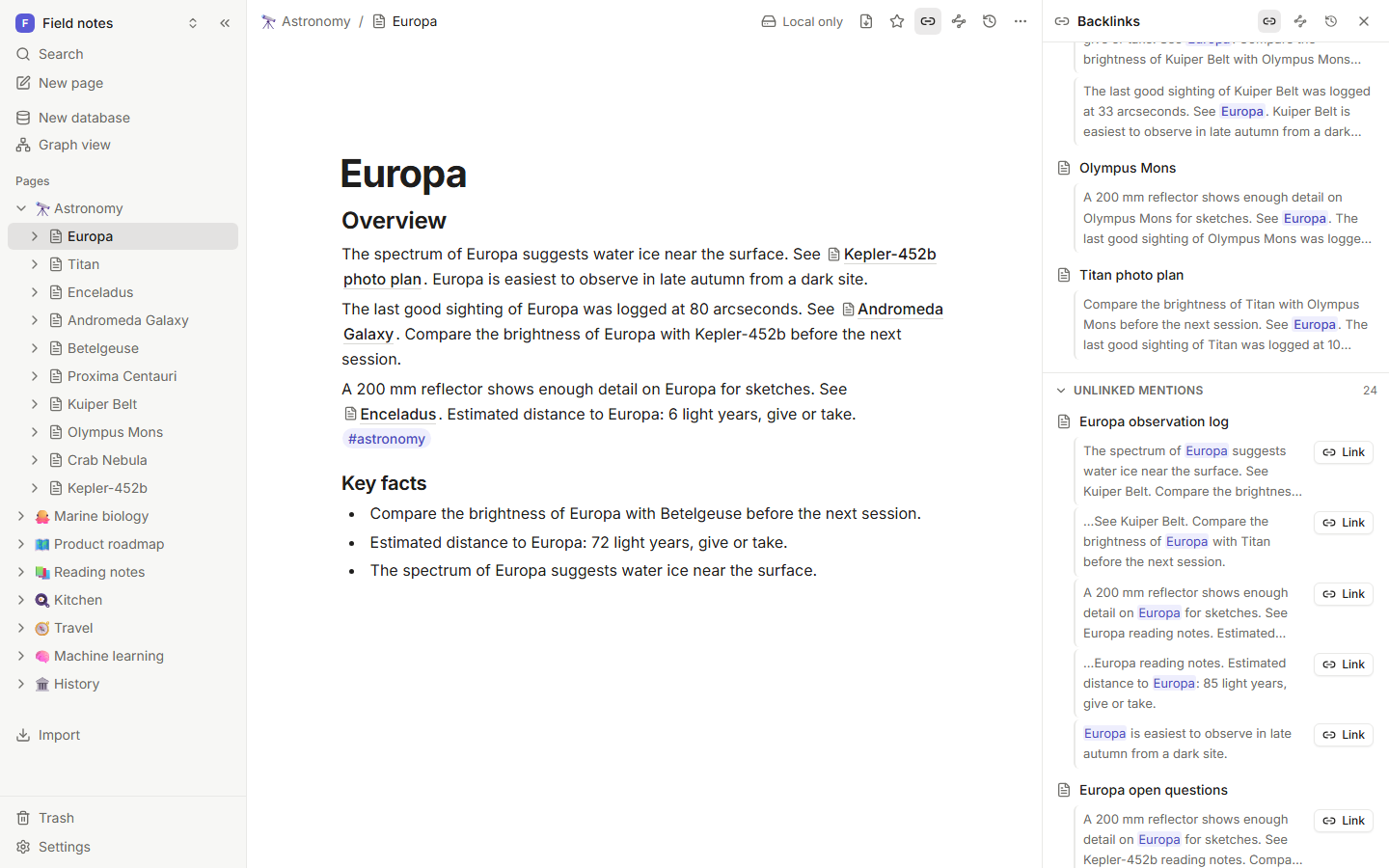
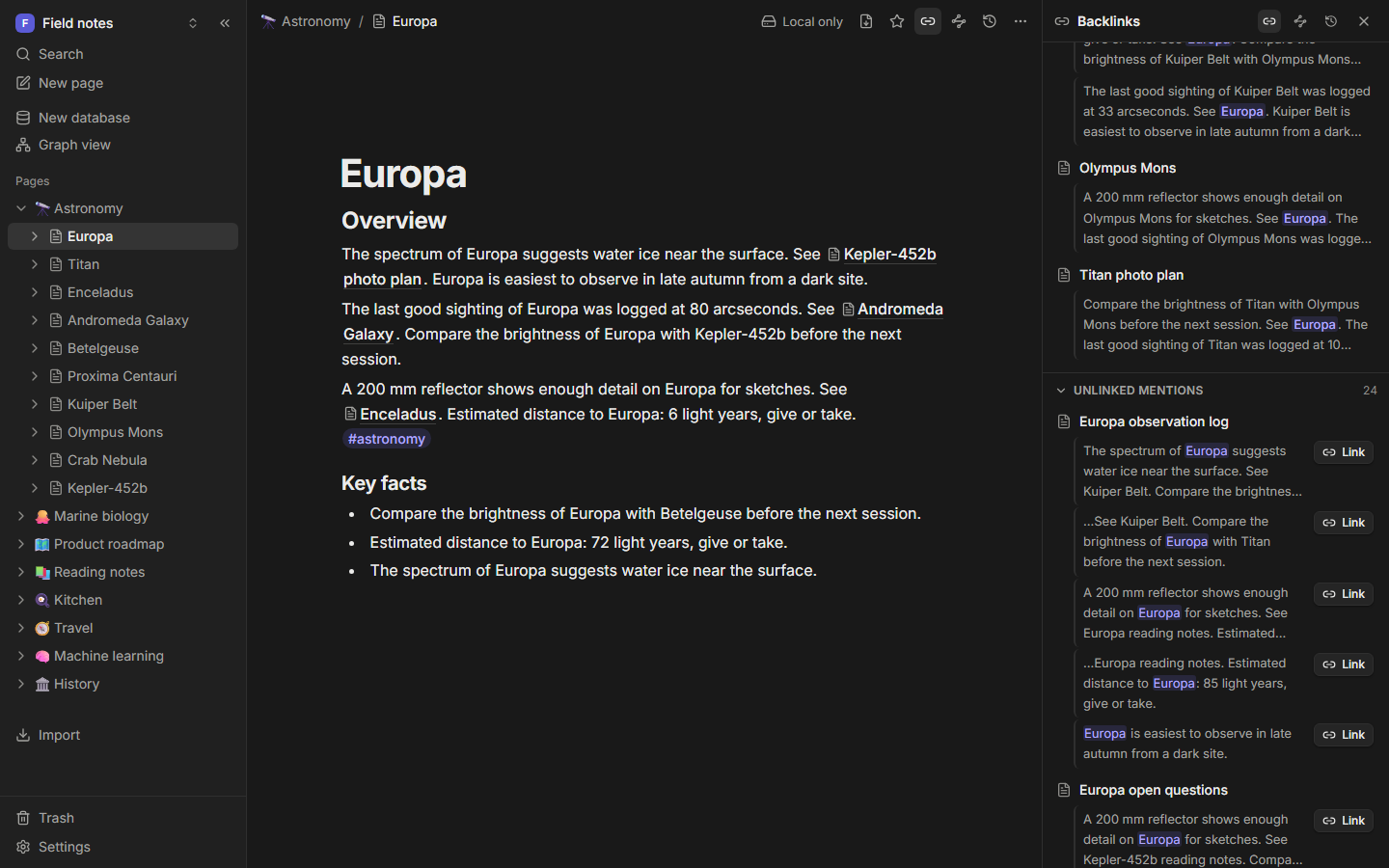
Prefer backlinks at the bottom of every page? Turn on Show backlinks at the bottom of pages in Settings → Backlinks.
Aliases
Give a page other names in its aliases property (imported from Obsidian frontmatter, too). Links and unlinked mentions match any of them, so "JWST" finds mentions of "James Webb Space Telescope".
Tags
Type # and a name to tag a block, like #idea. Use slashes for nested tags: #space/missions also counts as #space. Click a tag to search for it, or search with tag:space.
The graph
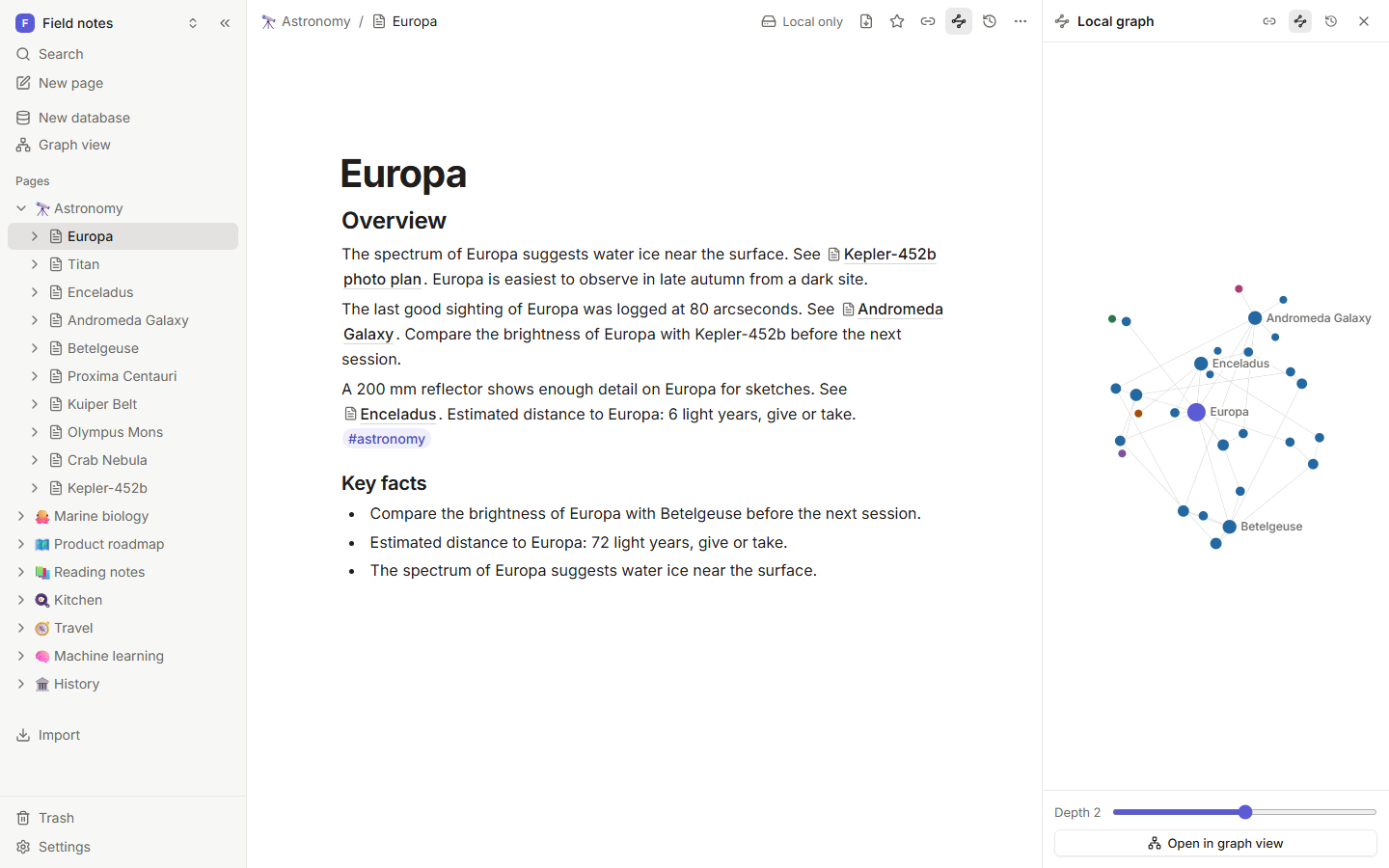
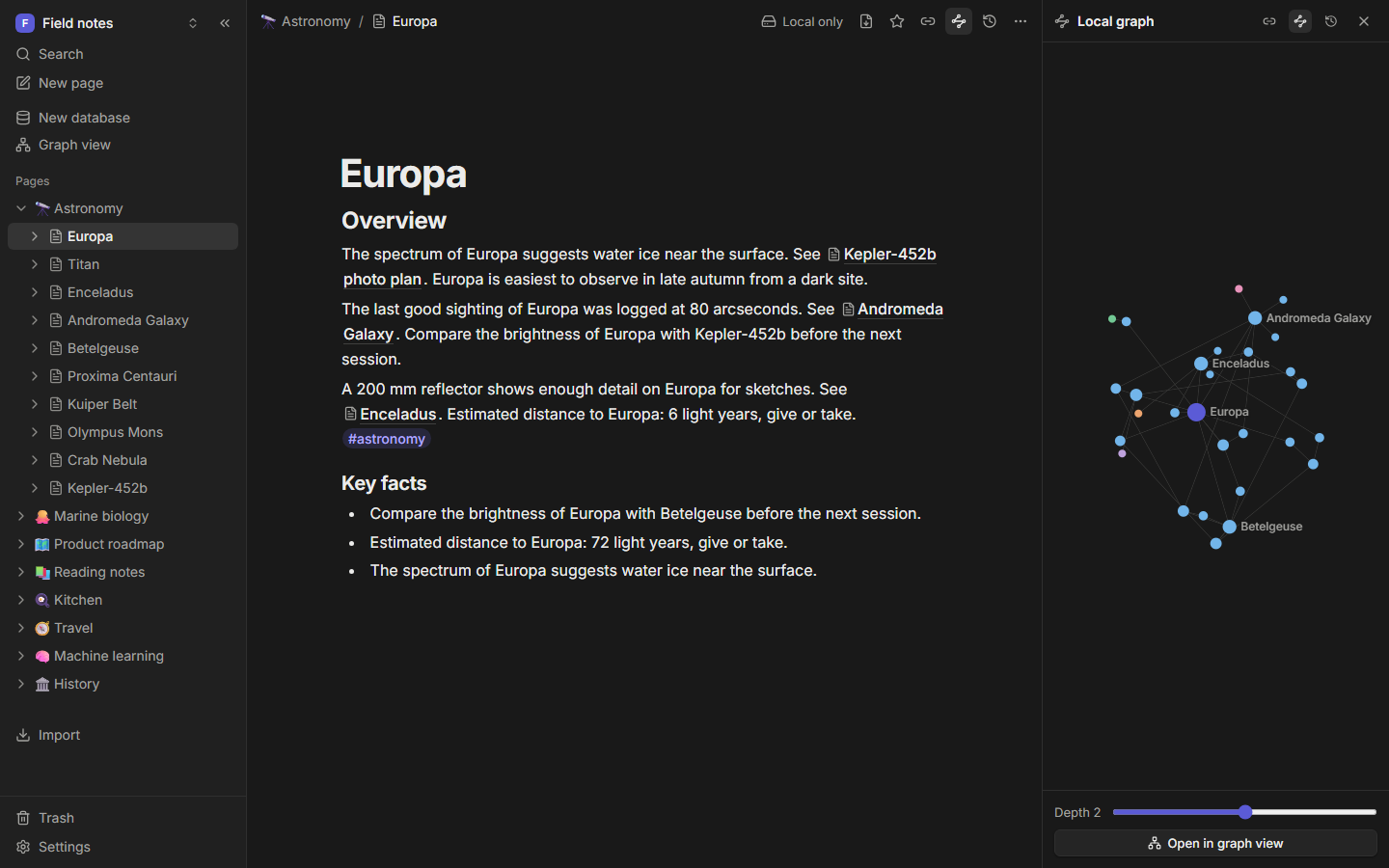
Open the graph from the sidebar or the palette (Open graph view). Each page is a dot, each link a line.
- Dots are sized by how many links they have and colored by tag or by top-level page.
- Hover over a dot to highlight its neighbors. Click it to open the page.
- Search to zoom to a page.
- Filter by tag, hide orphans (pages with no links) or database rows, and limit the depth.
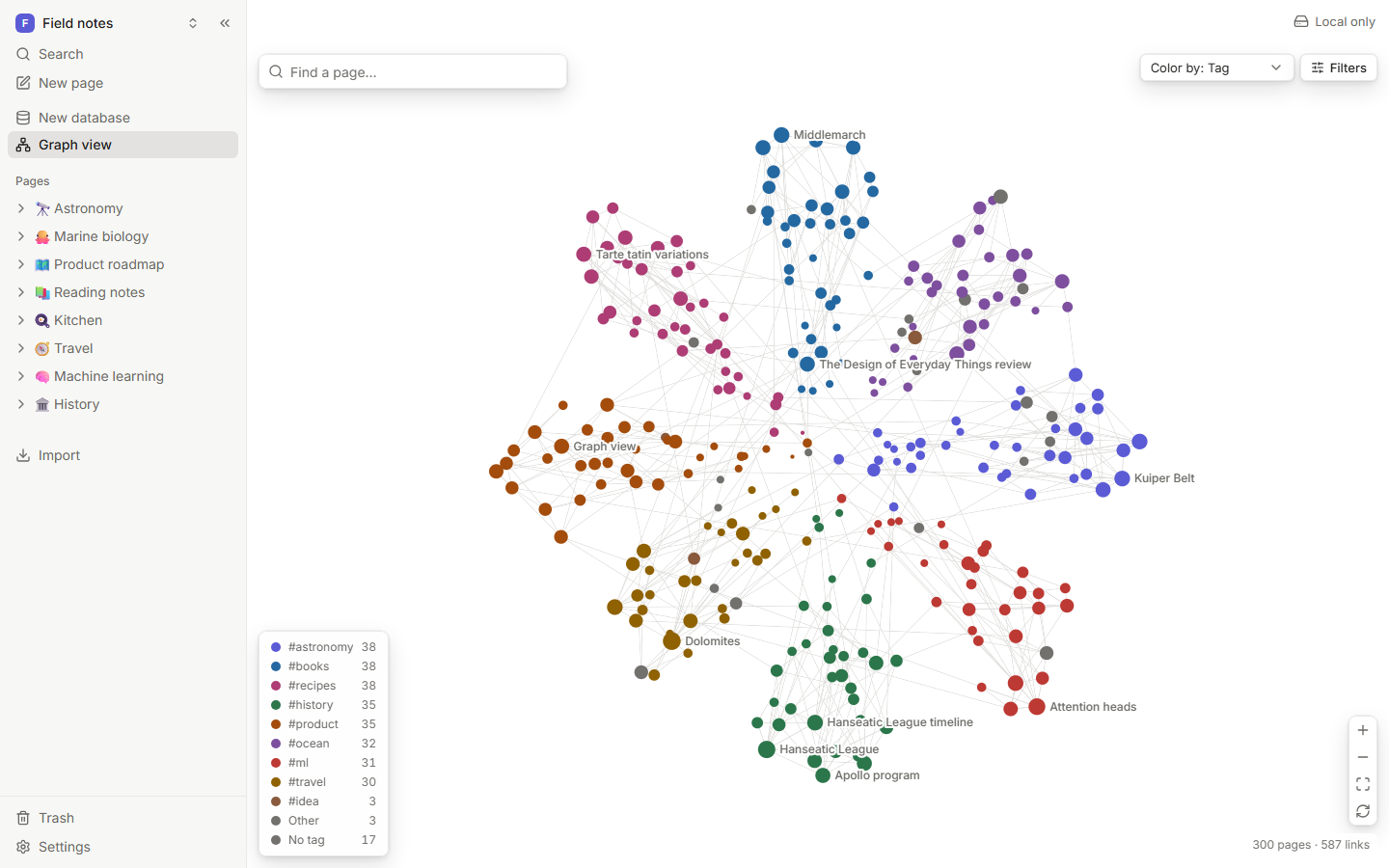
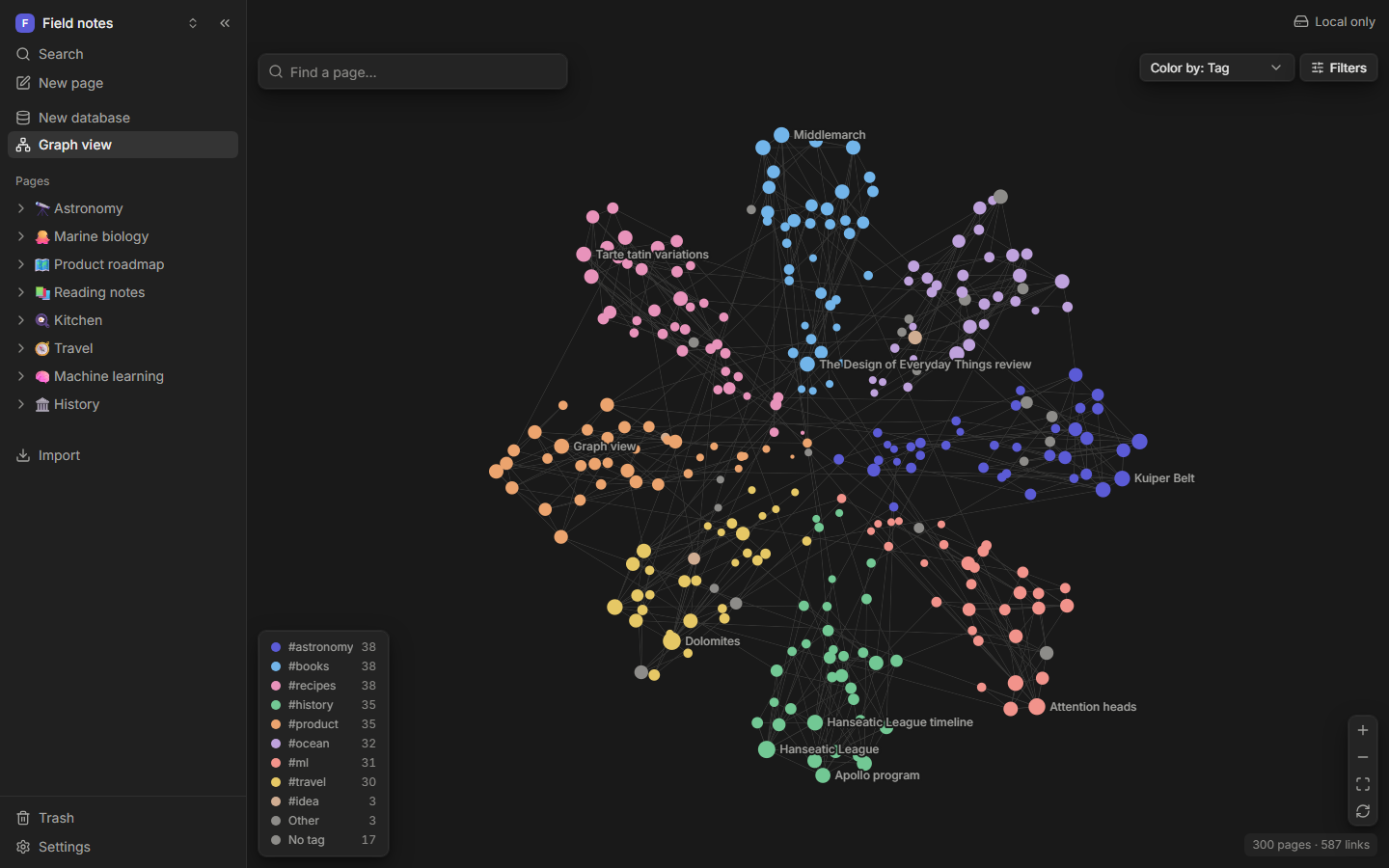
The layout runs in the background, so the app stays responsive even with thousands of pages.
Local graph
The Local graph panel shows only the current page and its neighbors. Use the depth slider (1 to 3) to widen the view.