

Search
Press Mod+K anywhere to open the command palette. It is the fastest way to get around Tessera.
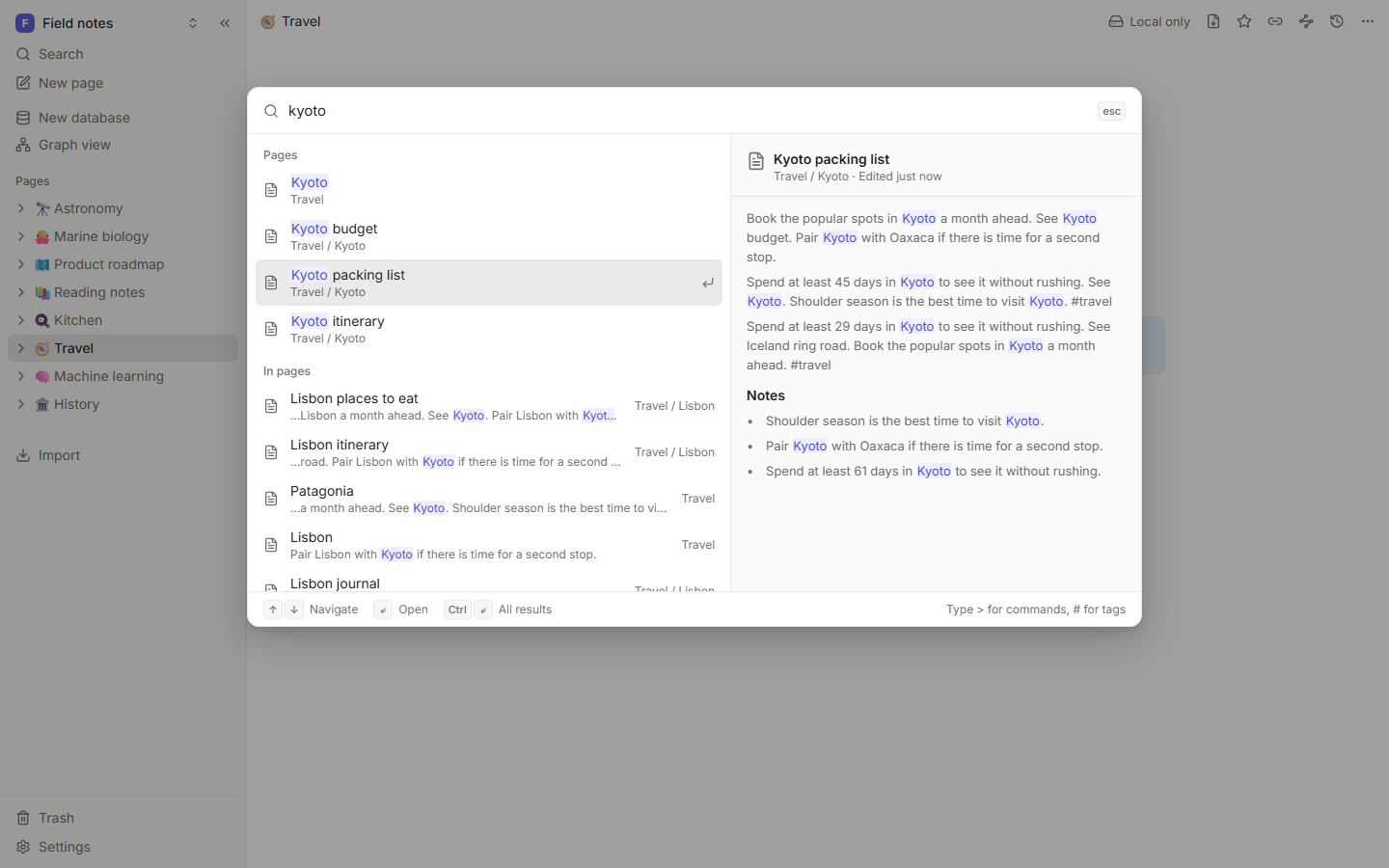
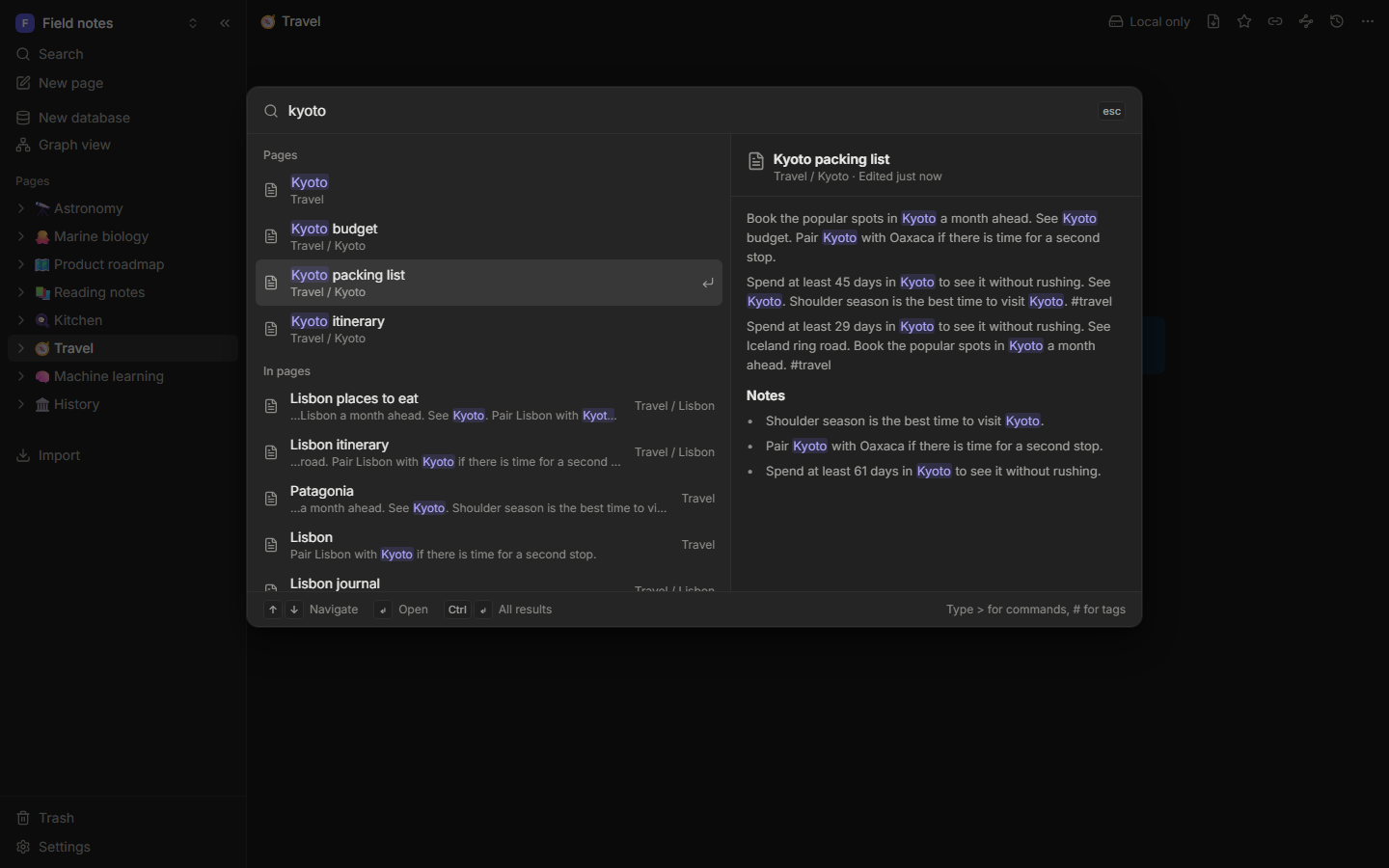
What the palette finds
- Recent pages, before you type anything.
- Pages by title, with typos forgiven and prefixes matched as you type.
- Text inside pages, with the matching words highlighted in a snippet.
- Database rows by their values.
- Commands, with their shortcuts, like "Toggle dark mode" or "Open graph view".
- Tags.
- Create page "…", when nothing matches.
Titles count more than headings, and headings more than body text. Pages you edited recently and pages many others link to rank a little higher.
Use the arrow keys and Enter. On wide screens, a preview of the highlighted page shows on the right.
Filters
Add filters to any search, in the palette or on the search page:
| Filter | Finds |
|---|---|
tag:space | Pages tagged #space (and nested tags like #space/missions) |
in:Projects | Pages inside "Projects" and its subpages |
type:page | Only pages |
type:database | Only databases |
is:task | Pages with to-dos |
Combine them: launch tag:space is:task.
The search page
For longer searches, open the full search page (the last item in the palette, or Search in the sidebar). It shows result counts, filters and more results per page.
Good to know
- Search works offline. The index lives on your device and updates as you type, in the background.
- Pages you move to the trash disappear from results right away.